
How to cancel
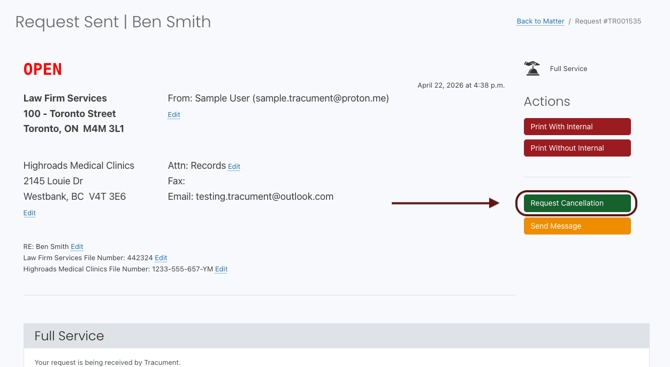
- Open the request.
- Click Request Cancellation.
- Add a short reason, for example "file settled", "duplicate" or "records no longer needed".
A cancellation request notice is sent to the Tracument team to review.
When you cannot cancel
Cancellation is not possible once an invoice has been uploaded, whether or not it has been approved. If you no longer need the records, the invoice must still be paid.
After you cancel
If the record holder had already processed the request before receiving the cancellation and sends an invoice with the records, that invoice must still be paid.
Common questions
I cancelled by mistake. Send us a message on the request immediately.
I want to cancel to change something. Check “Changing a request after you submit it” first. New details for the record holder can be passed on without cancelling.
Related articles: “Changing a request after you submit it” · “Approving or rejecting an invoice”